
What Software Does a Golf Coach Need to Run a Business?
Nov 09, 2026
Golf coach software should cover a website and pages, an email list, payments, course and membership delivery, automated replies to social media comments, and one place for students and inquiries. Your swing analysis app stays separate. You can buy each tool on its own, or run them together in one system, which is what the Coach Creator software does.
Search “golf coaching software” and you’ll mostly find lesson apps and swing analysis apps. Those are useful, and they run the lesson. Almost nothing covers the part that decides whether you have a business: how golfers find you, join your list, pay you and stay with you.
I’ve built that part twice, once for my own coaching with Perform Golf and again for 500+ golf coaches through Coach Creator. So here’s the whole picture: what each job is, what it costs to buy piece by piece, and when one system makes more sense.
What should golf coach software actually do?
Golf coach software should do the jobs around the lesson, because those are the jobs that bring in students and collect the money. Think of it as a list of jobs, not a list of apps.
The jobs around the lesson
Here’s what each one does for you:
- Website and pages. A home page, plus sales pages and sign-up pages for each thing you offer.
- Email. Follow-ups, reminders and win-back emails that go out whether you’re on the range or not.
- Payments. One-off sales and monthly billing, without you chasing anyone by text.
- Delivery. Somewhere your course or membership lives, so golfers log in rather than digging through your emails.
- Automated replies. When someone comments on a video asking for your free guide, it arrives without you doing anything.
- Your records. Who asked what, who bought what and who has gone quiet.
Which software should a golf coach keep for teaching?
Keep the swing app you already like, because no business system should replace it. Apps such as OnForm and Snead are built for analyzing a swing, and they do it well. Skillest is a marketplace and lesson platform in its own right, at $59 a month for coaches, and it handles its own payments.
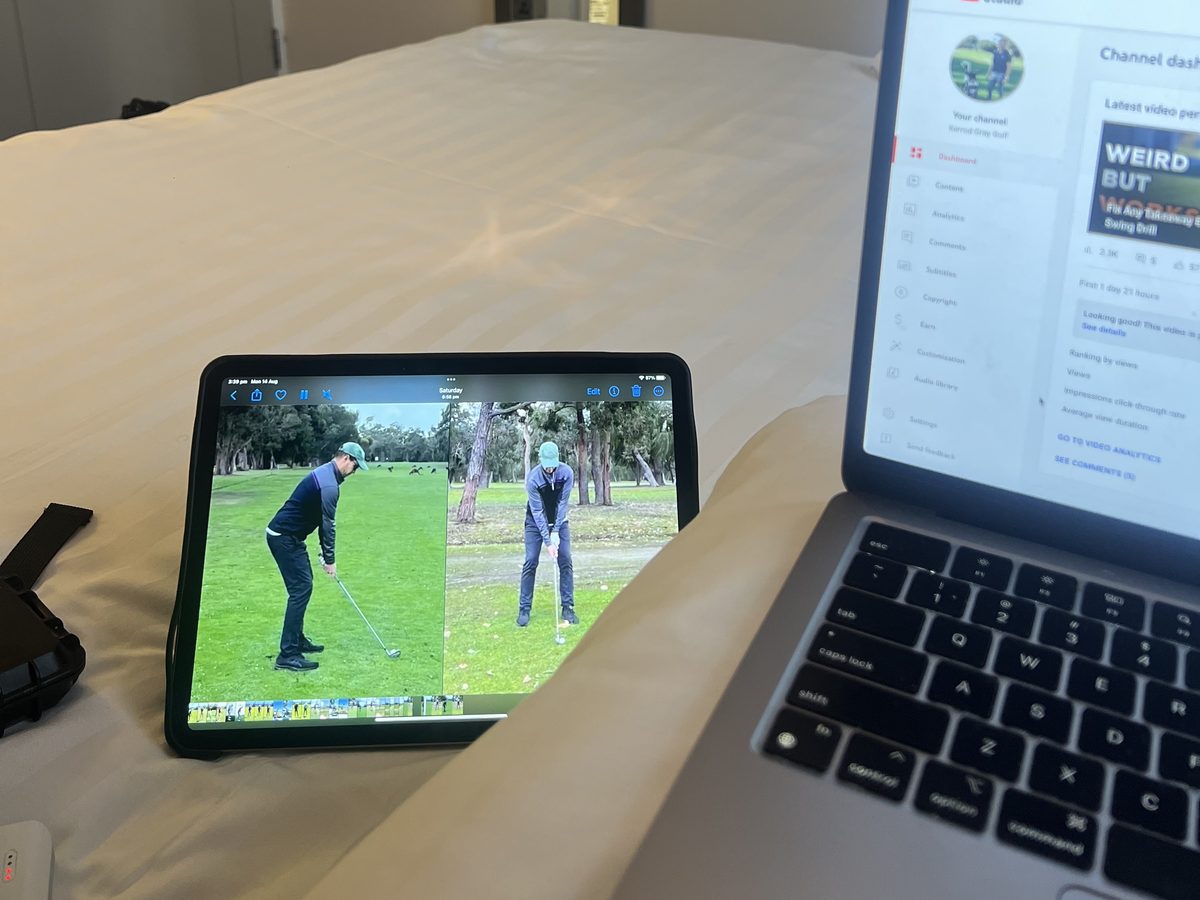
The mistake is expecting a teaching app to run your business. It can show a golfer what’s happening in their swing, but it won’t build your email list, sell your course or follow up with the person who asked about lessons last month. You need both, doing different jobs.
How much does it cost to buy each tool separately?
A setup with one tool per job costs around $256 a month on entry plans, before you’ve sold a thing. Here are the entry prices I checked in November 2026:
| Job | Example tool | Starting price |
|---|---|---|
| Website | Squarespace | About $19 a month, paid yearly |
| Sales and sign-up pages | Leadpages | From $29 a month |
| Checkout | SamCart | From $79 a month |
| Kit | Free plan, or $33 a month for 1,000 subscribers | |
| Automated replies | ManyChat | From $14 a month |
| Courses | Thinkific | About $82 a month, paid yearly |
That’s $3,072 a year on entry plans, and you won’t stay on them. Email and automation tools charge you more as your list grows, so the better your business does, the bigger the bills get. Add the extra funnel and automation tools most coaches end up with, and a full stack comes to around $327 a month. That’s $3,924 a year.
What a year costs you
- Around $3,924 a year
- Software only, no training
- Rises as your list grows
- $1,997 a year
- Software, training, Dashboard and community
- One login and one software bill
Those tools are all good at their own job, and I’m not knocking any of them. But the bill is the part you can see. The part that really hurts is living with them.
What’s it really like running separate tools?
Running separate tools is exhausting, because you become the IT department for your own business. Every tool does its own job, but a golfer doesn’t move through your business one tool at a time. They comment on a video, join your list, read your emails, then buy, and you’re the one holding that path together.
One golfer, one path
When that path runs through a handful of logins, here’s what your week starts to look like:
- The missing course. A golfer buys at 9pm. The checkout takes their money, but the connection to your course platform has quietly failed. You find out the next morning, between lessons, from an email asking where their course is.
- The embarrassing email. Someone who bought last week is still getting your sales emails for the thing they already own, because the checkout doesn’t talk to the email tool. They notice, and it makes you look careless.
- The blame game. Something breaks and you contact support. The email tool says it’s the checkout. The checkout says it’s the connector. It’s Sunday night, and you’re watching a YouTube tutorial instead of being with your family.
- The password hunt. You need to fix one link from the parking lot before your next lesson, and you’re locked out of the one tool you never use on your phone.
- The five-place edit. You change your price or your logo, then spend an afternoon updating it everywhere, and still miss a page.
- The fear of canceling. Your card statement is full of renewals you barely recognize, and you won’t cancel any of them because you’re not sure what would break.
Nobody gets into coaching to fix software on a Sunday night.
Every hour you spend on this is an hour you aren’t teaching or filming, and you usually only find out something’s broken when a sale goes missing. For most coaches, that’s the real price of separate tools.
What does the Coach Creator software include?
The Coach Creator software puts your website, email, payments, delivery and automation into one branded system, built specifically for golf coaches. I think it’s the hub every golf coach should be on, and it’s why we built it. It includes:
- Your website, plus freebie and lead capture pages
- Sales and payment pages
- Follow-up, reminder and win-back emails
- Automated replies to social media comments
- Inquiries and students organized in one place
- Courses, memberships and video delivery
- Launch sequences, templates and step-by-step training
Keep using Skillest, OnForm, Snead or FlowCode alongside it, so you don’t have to give those up.
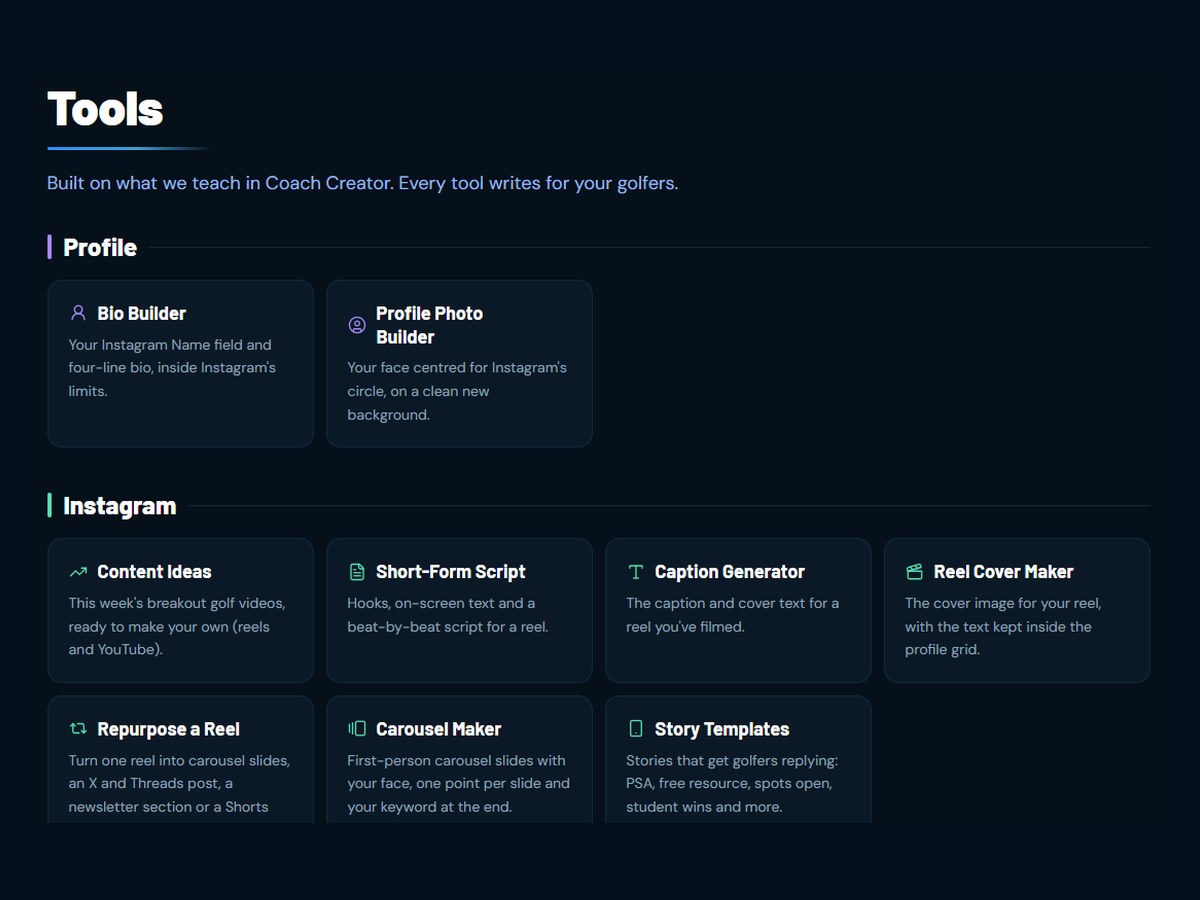
Members also get the Coach Creator Dashboard, which tracks your business with a monthly Health Score and holds the tools that do the heavy lifting: Bio Builder, Profile Photo Builder, Content Ideas, Short-Form Script, Caption Generator, Reel Cover Maker, Repurpose a Reel, Carousel Maker, Story Templates, YouTube Script, YouTube Thumbnail Maker, Freebie Builder, Email Builder, Course Builder, Sales Page Builder and Brand Deal Calculator.
Put it together and one membership covers the lot:
Inside one membership
A Coach Creator membership is $1,997 a year, and the software, Dashboard, training and community are all included. That’s less than the entry plans alone, and about half what a full stack costs.
Should a new golf coach start with all-in-one software?
A new golf coach should start with all-in-one software if they plan to sell more than one thing online, and can start smaller if they don’t. If you only want a simple page and an email list for now, a free email plan and a basic site will get you moving. There’s no shame in that.
Once you’re selling online lessons plus a membership, or running a course alongside a free guide, separate tools get painful fast. Moving later is its own headache too, because every page, email and student has to come across. If you know you’re going to build this properly, it’s easier to start in one place.
Not sure which stage you’re at? My free Growth Roadmap takes about 60 seconds. Add a few of your Instagram numbers and it shows you what to fix first, before you spend a dollar on software.
Frequently asked questions
Do I still need a swing analysis app?
Yes, if you use one in your teaching. Business software isn’t built to analyze a swing, and a swing app isn’t built to run your business. Keep the app you like, such as OnForm or Snead, and use business software for your website, email and payments.
Does a golf coach need a website?
If you want to sell online, yes. You need a page you control where a golfer can read about your coaching, join your email list and pay you. Your social profiles can send people there, but you don’t own those platforms and they can change their rules at any time.
What’s the cheapest way to start?
A free email plan and a basic website will cost you very little to begin with. Expect that to change as you grow: most email tools charge more as your list gets bigger, and every extra offer tends to bring another tool and another bill.
Do I need to be technical to use golf coaching software?
You shouldn’t need to be. Pick software that comes with templates and step-by-step training, so you’re editing something that already works rather than building from a blank page. That’s how we built the Coach Creator software, because most golf coaches would rather be coaching.
What is Coach Creator?
Coach Creator is a business program plus all-in-one software for golf coaches. Members get the curriculum, live coaching calls, a private community, the Dashboard and its tools, and the Coach Creator software. I’ve helped 500+ golf coaches build online coaching businesses through it.
